(Re)-deploying Shiny Apps
a08-deployment.RmdDeploying from an appStructure
We can deploy a shiny app directly from an appStructure
object. We can do this by calling deployAppStructure()
deployAppStructure(
  appStructure = appStructure,
  appDir = tempdir())
deployAppStructure() is basically a wrapper around
rsconnect::deployApp(). deployAppStructure()
has the dot-dot-dot parameter (...) that will pass any
other parameters you specify to rsconnect::deployApp().
This allows you to pass things like an appId or account
arguments.
Re-deployment
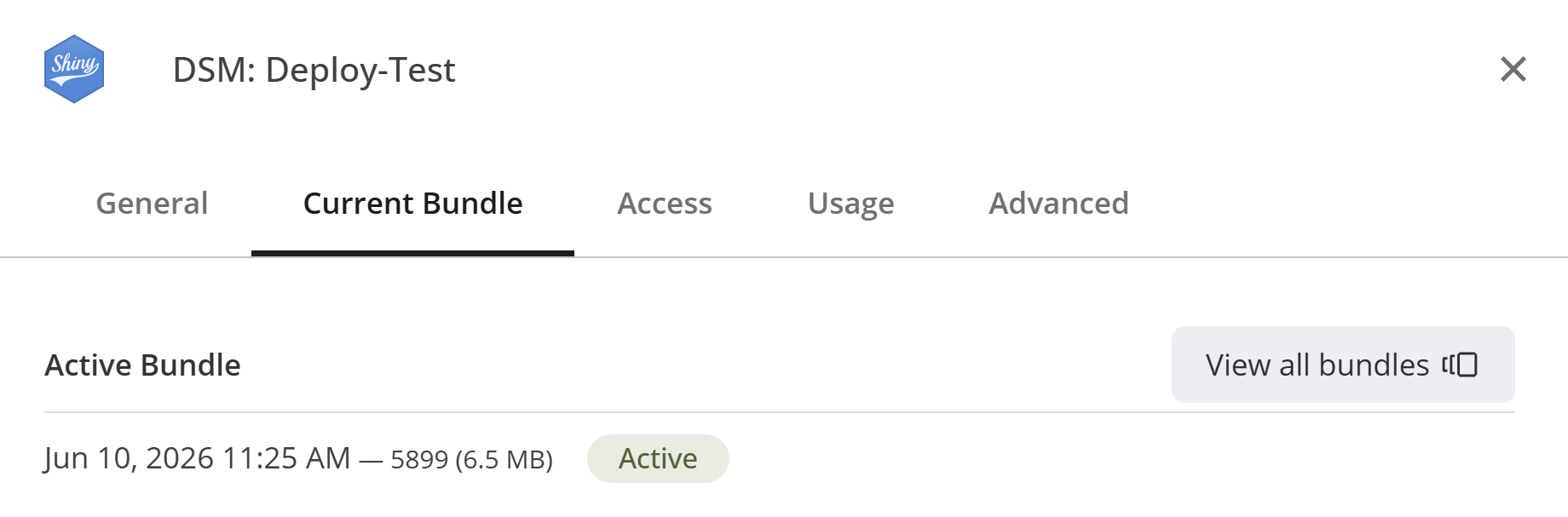
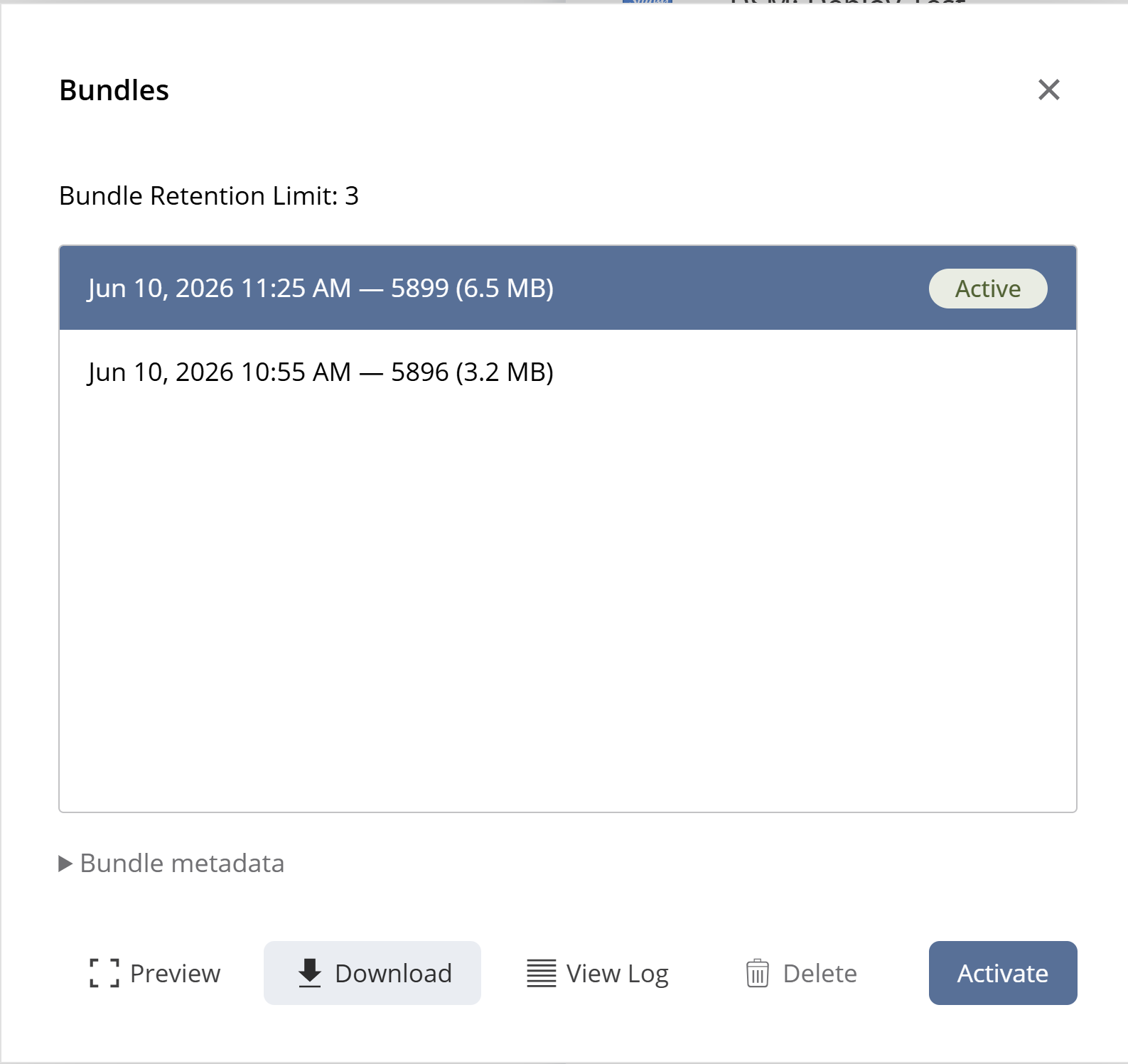
Lets say we would like to restructure our shiny app based on some feedback we have gotten. We can download a tar.gz file from posit:
settings -> Current Bundle -> View all bundles -> Download
You can select the bundle to download, but usually you want the one labeled as “active”.
This file is structured as followed:
bundle-xxxx.tar.gz
  |- .
    |- <...>
    |- appStructure.qs
There is no need to unpack the tar.gz-file,
loadFromDisk() will extract the appStructure
object for us:
appStructure <- loadAppStructure(
  filePath = "./bundle-xxxx.tar.gz",
  appStructureFileName = "appStructure.qs"
)
Now we have an identical copy of the appStructure that
we made before. We can alter the appStructure as we
like:
# Remove `base`
appStructure$base <- NULL

# Re-order alphabetically:
appStructure <- appStructure[sort(names(appStructure))]
With our updates made, we can re-deploy our app, by using the
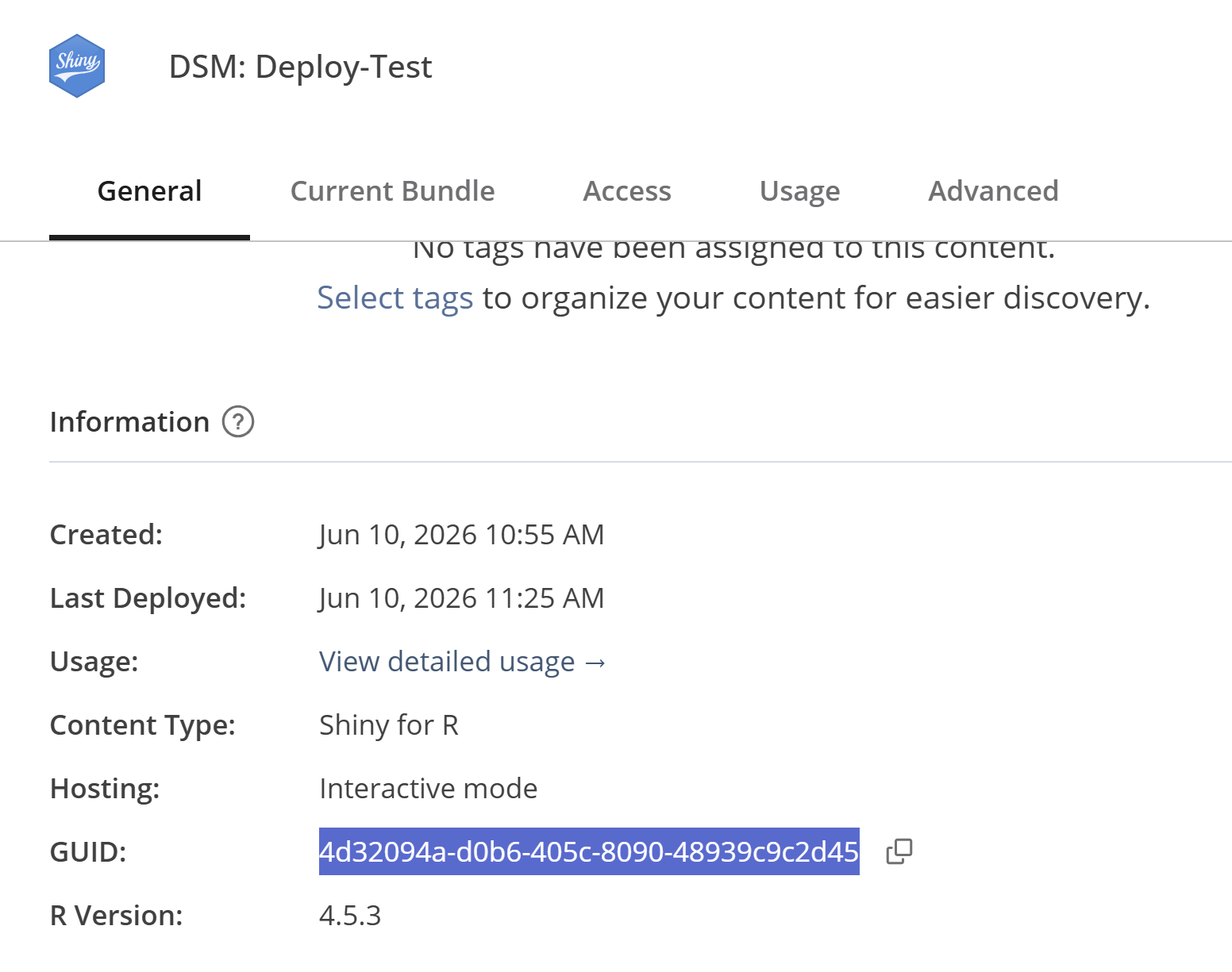
deployAppStructure() function again, note that we pass the
appId argument, which is found in the info tab
on posit:
deployAppStructure(
  appStructure = appStructure,
  appDir = tempdir(),
  appId = 123
)